
You spent three hours on that resume. Maybe more. You checked the formatting, tightened the bullet points, made sure nothing was misspelled.
You hit Apply.
And then — silence. No email. No phone screen. Not even the auto-response that says “we’ll be in touch.”
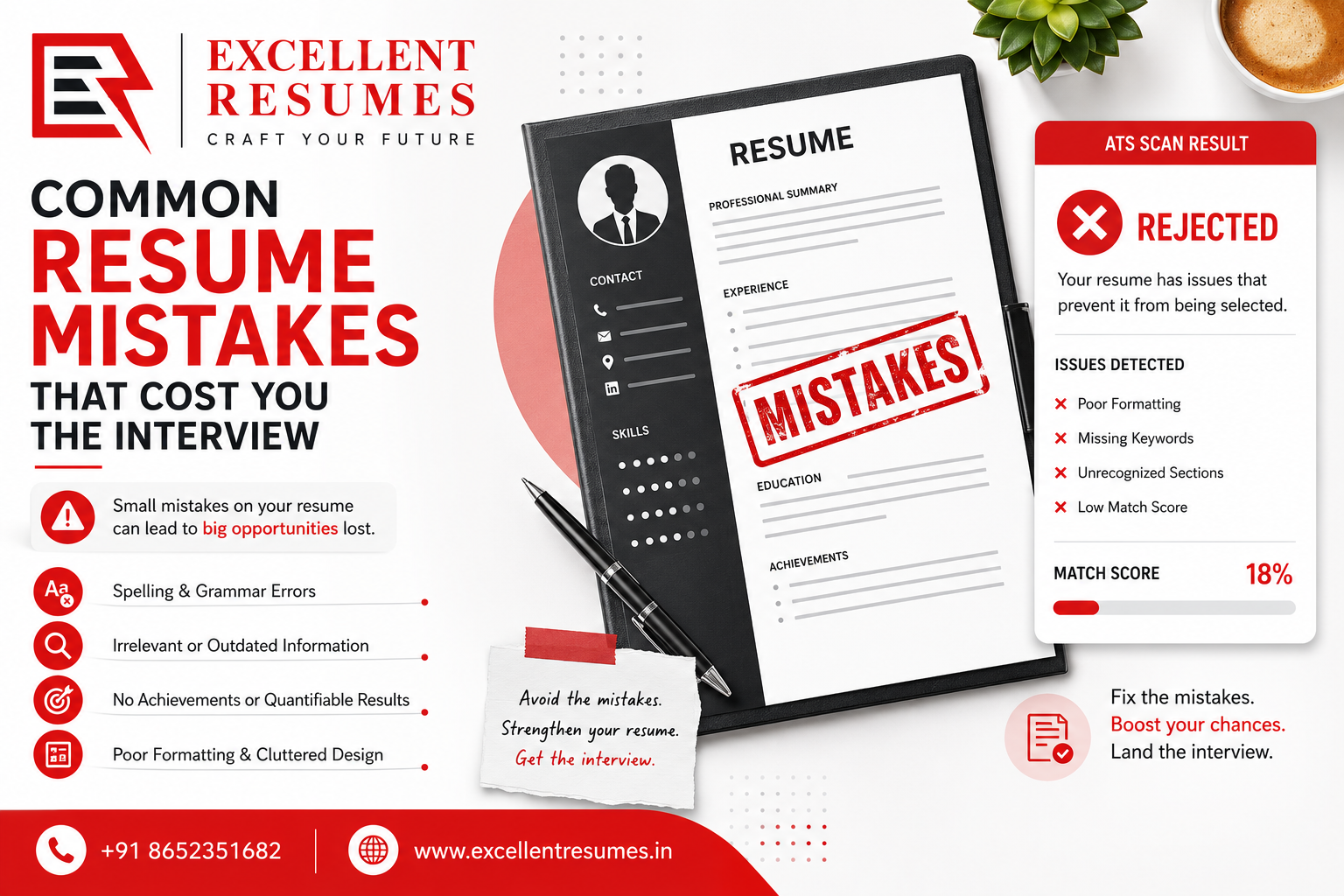
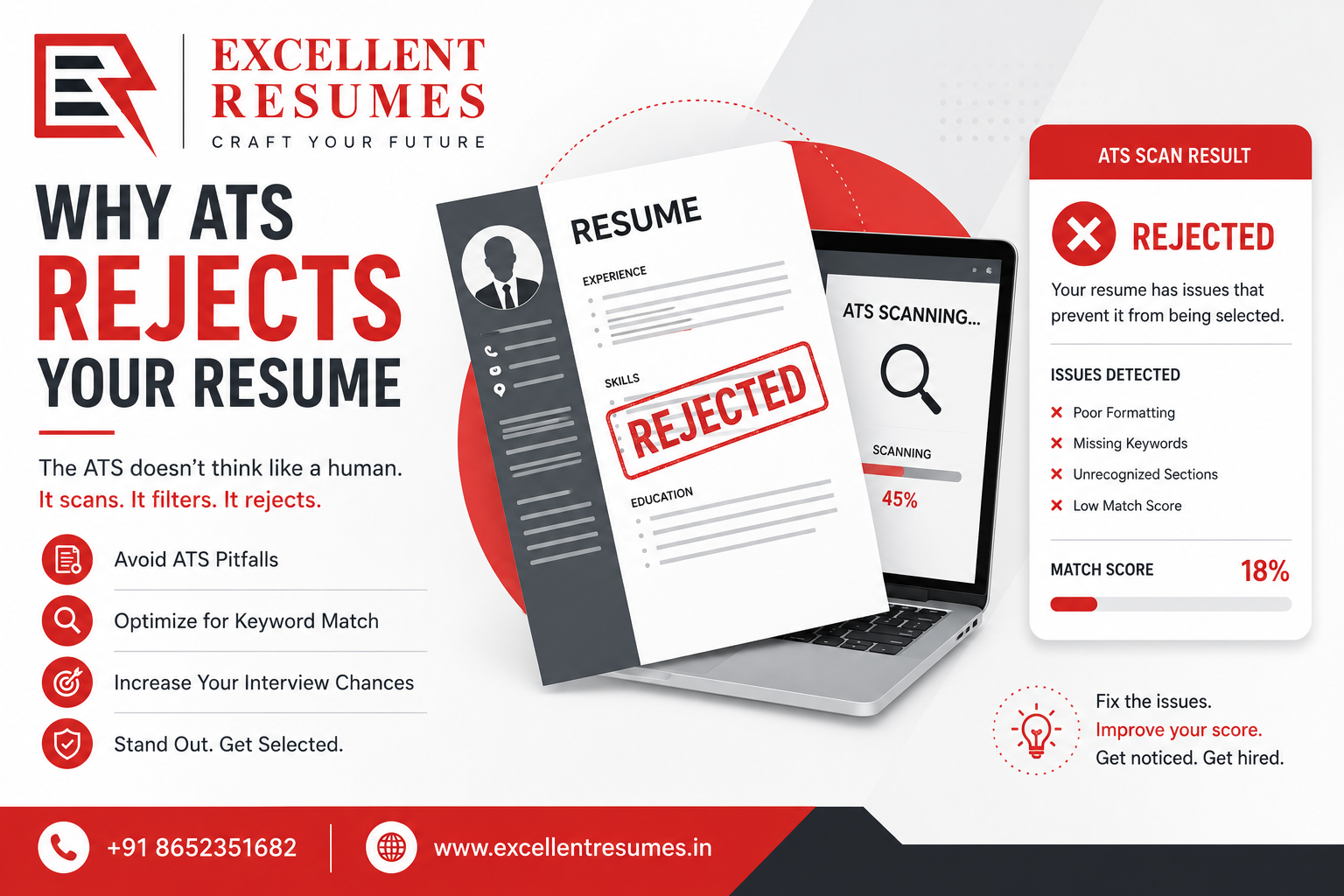
Here’s what actually happened: your resume was rejected before a single person looked at it. Probably in under 10 seconds. By software.
More than 98% of Fortune 500 companies run applications through Applicant Tracking Systems — ATS — before a recruiter ever opens the document. For mid-sized companies, it’s around 75%. When 300 people apply for one job, no recruiter reads all 300 resumes manually. The software filters first, then humans look at what’s left.
Your resume might be genuinely good. If it fails the machine check, it doesn’t matter.
What Is an ATS, Actually?
An Applicant Tracking System is software that companies use to collect, parse, and rank job applications. When you hit submit on a job portal, your resume goes into the ATS first — not into anyone’s inbox.
The system pulls your information out of the document, compares it against the job description, assigns a score, and either passes your application to a recruiter or drops it. The threshold varies by company and role. Nobody tells you what it is.
The frustrating part: these systems are designed to be fast and cheap, not accurate. A strong candidate with a resume built in Canva can score lower than a weaker one who happened to use the exact keywords from the posting. The machine doesn’t know the difference. It’s just pattern matching.
Why Resumes Get Rejected by ATS (Before Any Human Sees Them)
1. The Formatting Breaks the Parser
This is the most common problem, and most job seekers have no idea it’s happening.
ATS software reads plain text. It doesn’t “see” your resume the way a person does — it’s pulling raw characters out of the file. When text is inside a table, a text box, a header/footer area, or a multi-column layout, the parser often scrambles it or skips it completely.
I’ve seen recruiter screenshots of parsed resumes where the candidate’s entire experience section was missing — because it was in the right column of a two-column design. The recruiter got a half-empty application. The applicant had no idea.
What breaks ATS parsing:
- Tables (columns especially)
- Text boxes
- Headers and footers
- Graphics or icons used as section dividers
- PDFs exported from Canva, InDesign, or Figma
- Decorative fonts
Fix: single column, plain text, standard Word document. Boring-looking resumes actually do better here. Save the design for situations where a person will literally open the file in front of you.
2. Your Keywords Don’t Match the Job Description
ATS systems are, at their core, keyword matchers. They look for specific words and phrases from the job description. If your resume uses different language for the same thing, many systems won’t connect them.
If the job says “Salesforce CRM” and your resume says “customer relationship management software,” you might score zero for that requirement — even if you’ve used Salesforce for five years.
This sounds absurd. It is absurd. But it’s how the systems work.
Fix: read the job description word for word. Find the skills, tools, and phrases that appear repeatedly or are listed under “requirements.” Use that exact language in your resume. Not synonyms — the same words.
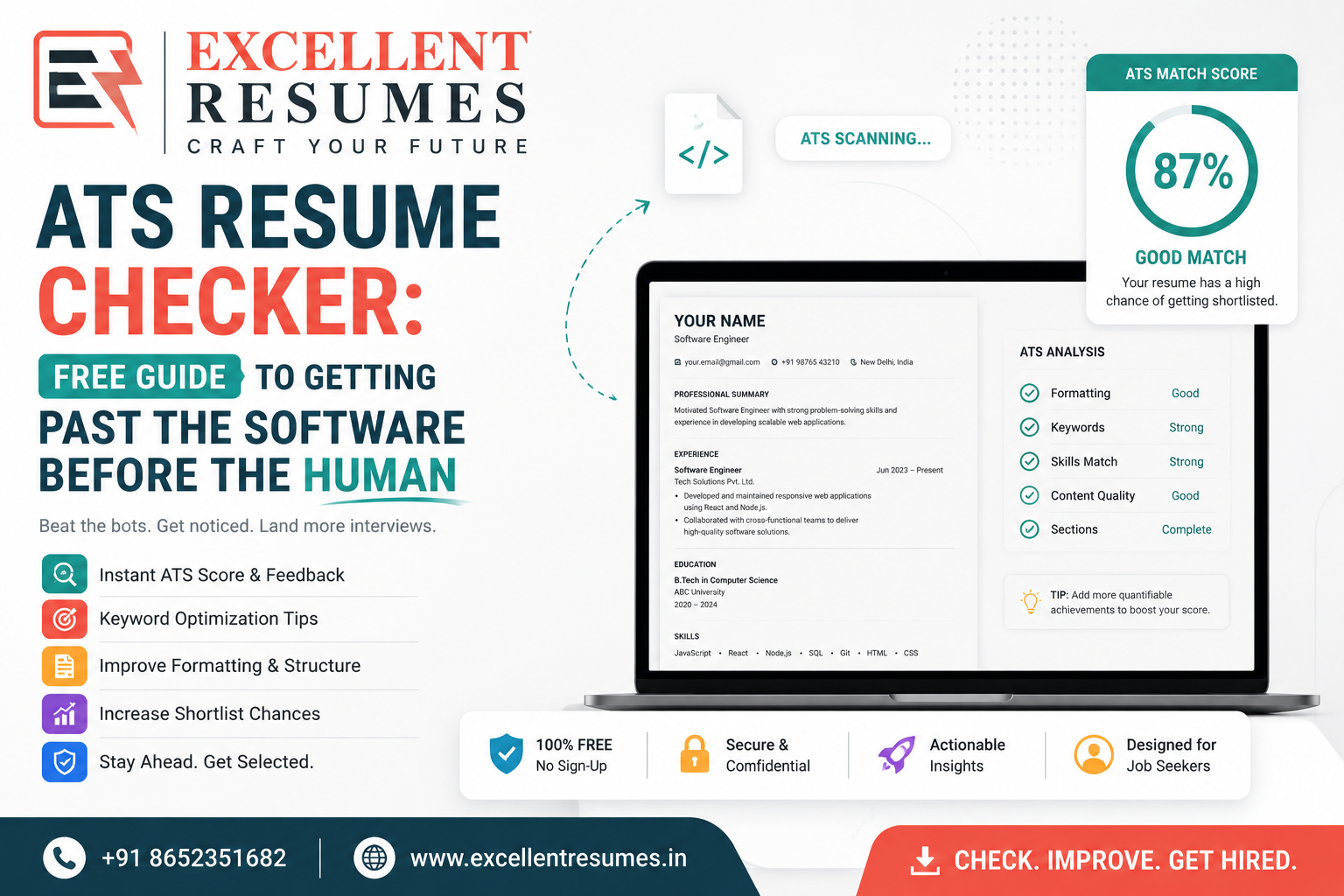
Jobscan and Resume Worded both let you paste in a job description and compare it against your resume. They’ll tell you your keyword match score and flag what’s missing. Worth using before every application.
3. Your Job Title Isn’t What the ATS Expects
Some companies have creative job titles. “Customer Happiness Specialist.” “Growth Hacker.” “Director of First Impressions.” These can look good internally, but ATS systems often search for standardized titles. If your previous role was “Revenue Operations Ninja,” the system might not recognize it as relevant to “Revenue Operations Manager.”
Fix: include the industry-standard equivalent in parentheses after your actual title.
Customer Happiness Specialist (Customer Support Representative)
Recruiters understand this. ATS systems handle it better than you’d expect once the keywords are there.
4. You Don’t Meet the Hard Filters
Some rejections have nothing to do with formatting or keywords. ATS systems can be configured with hard cutoffs — minimum years of experience, required certifications, specific degrees. If your resume doesn’t clear those thresholds, it gets filtered out automatically.
If a job requires 5 years of experience and you have 2, many systems will discard the application without ever looking at anything else.
Fix: take the “required qualifications” section seriously. Those aren’t a wish list — they’re often programmed as filters. “Preferred” qualifications are softer. “Required” ones can be hard stops. Apply where you meet at least 70–80% of the required list.
5. Your Contact Information Is in the Wrong Place
ATS systems try to extract your name, email, phone, and location during parsing. If that information is inside a header, a sidebar, or a text box at the top of a designed template, the system may not find it.
Some systems will reject the application outright when they can’t pull basic contact fields — it looks like an incomplete submission.
Fix: first five lines of your resume, plain text, no design elements. Name, phone, email, location, LinkedIn if relevant. That’s it. Put it there and don’t get clever about it.
6. The File Format Causes Problems
Most modern ATS platforms handle both .docx and .pdf. But “most” isn’t “all,” and older systems — Taleo in particular — have historically had issues with PDFs that were generated from design software rather than Word.
The safest default is .docx unless the application page says otherwise. If they ask for PDF, give them PDF. If they don’t specify, .docx.
7. Employment Gaps or Non-Chronological Layouts
Some ATS systems flag resumes with gaps over six months, missing dates, or functional (skills-based) formats. Functional resumes were popular advice for a while as a way to de-emphasize gaps. The problem is that many ATS parsers genuinely don’t know how to handle them — the work history parsing fails, dates don’t line up, and the application gets a low confidence score.
Fix: use a chronological or hybrid format. Keep dates on every role. Address gaps in your cover letter, not by hiding them in the resume structure — the system will flag inconsistencies anyway.
What Happens If You Clear the ATS
You made it past the filter. A recruiter now has your resume in their queue, along with probably 20–50 others that also cleared.
They’ll spend about 6–10 seconds on the first pass. They’re not reading — they’re scanning for job titles, recognizable company names, obvious relevance to the role, and whether the thing is easy to read.
This is why ATS optimization and human optimization are different problems. An ATS-friendly resume is structured and keyword-loaded. A human-friendly resume is clear, specific, and has numbers in it.
You need both. Fix the machine problem first, because there’s no point optimizing for humans if the machine never passes you through.
A Practical ATS Checklist
Before you submit, run through this:
- Single-column layout, no tables or text boxes
- Standard section headers: Experience, Education, Skills, Certifications
- Contact info at the top in plain text
- Keywords pulled directly from the job description
- Every role has a start and end date (or “present”)
- File saved as .docx unless PDF is requested
- Font is Arial, Calibri, or Georgia — nothing decorative
- No photos, no icons, no logos
- One to two pages
That’s the floor. It doesn’t guarantee anything, but it removes the stupid reasons for rejection.
Tools That Help
Jobscan — paste your resume and the job description; it scores your keyword match and tells you what’s missing. Actually useful.
Resume Worded — similar to Jobscan, with a LinkedIn optimization layer if that matters for your field.
Teal HQ — combines a job tracker with resume optimization; useful if you’re running a lot of applications at once.
Grammarly — obvious, but typos in a resume are a fast way to get filtered by a human even after clearing the machine.
FAQ: Honest Answers
Does every company use ATS?
No. Small companies and startups — under 50 people, usually — often just have someone’s Gmail and a shared folder. ATS optimization is mainly a concern for applications submitted through a formal portal. If you’re applying by emailing a hiring manager directly, you’re past the machine.
Can I use a designed resume?
It depends on how you’re submitting it. If you’re handing it to someone in person, or emailing it directly to a contact, design can work fine. If you’re uploading it to a job portal, the design will probably hurt you. Have two versions.
Should I put a photo on my resume?
No, for most markets (US, UK, Canada, Australia). It creates legal risk for employers around discrimination, and many ATS systems strip or flag photos automatically.
How do I know if they use ATS?
Assume yes if there’s an online application portal. If you click “Apply” and it takes you to a Workday, Greenhouse, Lever, or similar page — ATS is running in the background.
What if my resume is already good and I’m still not getting responses?
Then it might not be an ATS problem. Could be targeting (wrong roles, wrong companies), volume (not applying to enough places), or the job market in your field. ATS fixes help with the filtering stage. They don’t fix a resume that lacks relevant experience for the roles you’re targeting.
The Part Nobody Mentions
Nobody teaches this in school. Career advisors who graduated before 2010 often don’t fully understand it either. The result is that people spend hours writing resumes that never get seen, blame themselves for not getting interviews, and don’t know there’s a mechanical problem underneath it all.
Getting past ATS isn’t hard. It’s mostly just knowing the rules exist. A boring, plain-text, keyword-matched .docx will outperform a beautiful designed PDF almost every time, in almost every application portal.
That feels wrong. I get it. But the machine doesn’t care what it looks like.
Fix the structure first. Then go back and make it actually compelling for the person who opens it.
Quick Summary
After clearing ATS, you have roughly 6–10 seconds to make an impression on a human
Most medium-to-large companies filter resumes through ATS before human review
The most common rejections: broken formatting, missing keywords, wrong file type, buried contact info
Use a plain single-column .docx with language mirrored from the job description
Jobscan and Resume Worded let you check your keyword match before applying