You’ve applied to 60 jobs. Two replies. Both rejections. The resume looks fine to you — clean fonts, a neat summary at the top, bullet points under every job. On paper, it should work. The problem is usually something you can’t see: the resume never made it past the software that reads it first.
That software is called an Applicant Tracking System, or ATS. Almost every mid-size and large company in India — and a growing number of smaller ones — runs incoming resumes through one before a human ever looks at them. If the ATS can’t parse your resume correctly, or your resume doesn’t match what the system is scoring for, you get filtered out. Not because you’re unqualified. Because a machine misread you.
This post breaks down exactly how ATS software decides who gets through, the specific formatting and content mistakes that get resumes rejected, and what to fix before your next application.
What an ATS Actually Does
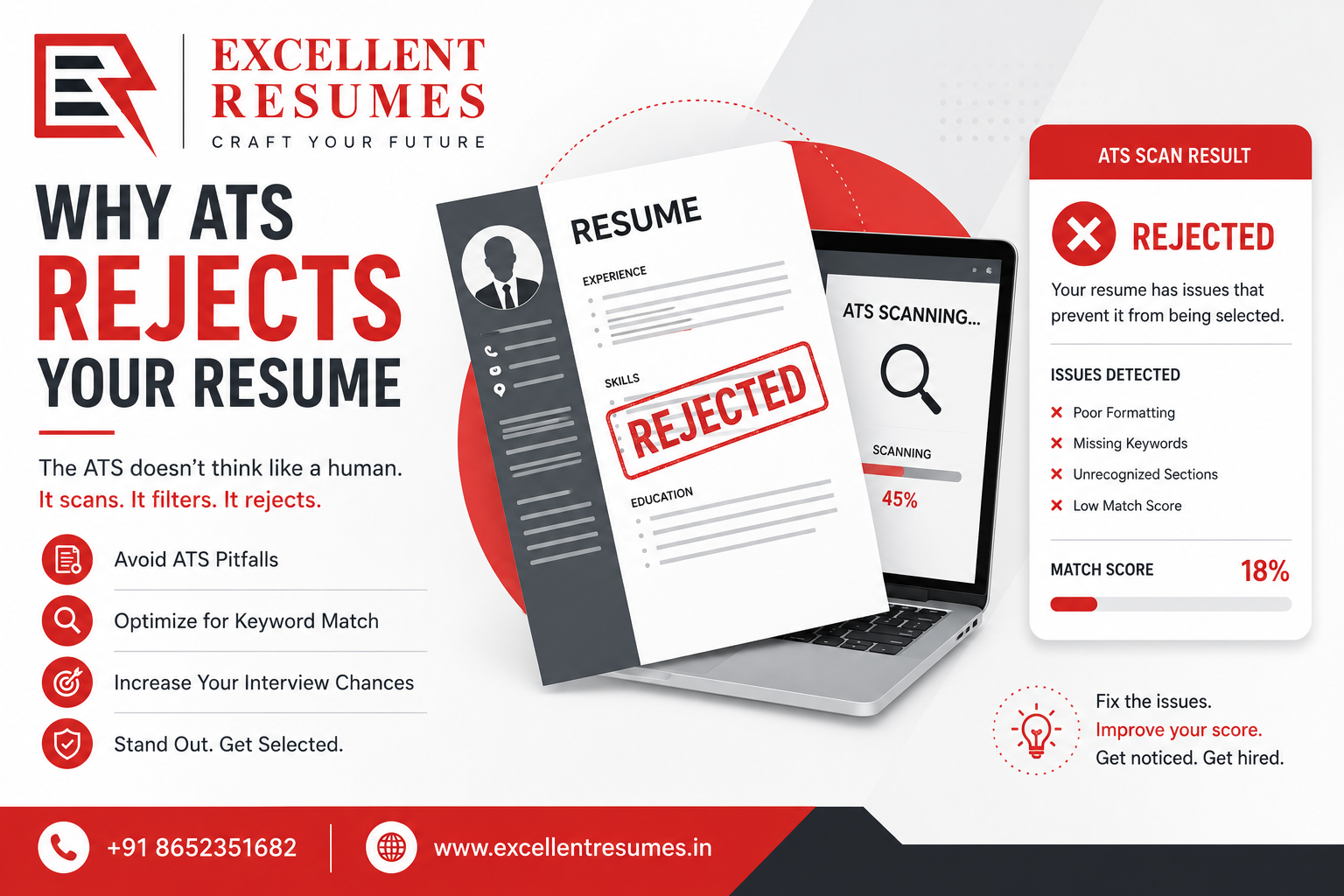
An ATS is software that scans, parses, and ranks resumes before a recruiter sees them. When you upload your resume to a job portal or company career page, the system doesn’t “read” it the way a person would. It extracts the text, breaks it into fields — name, job titles, dates, skills, education — and tries to slot that information into a database.
If your resume is built in a way the parser understands, this works fine. If it isn’t, fields get scrambled, sections go missing, or your entire work history shows up as a wall of unreadable text on the recruiter’s end. You could be the strongest candidate in the pile, and the system would still rank you near the bottom, because it never correctly read what you wrote.
Some companies set the ATS to auto-reject anyone below a certain match score. Others just use it to rank candidates for a recruiter to review in order. Either way, a resume the ATS can’t parse well starts every application already behind.
Why This Actually Costs You the Job
Here’s the part most job seekers don’t realize: a rejected application from an ATS doesn’t usually come with feedback. You just don’t hear back. So the instinct is to blame experience, or the market, or bad luck — when the real issue might be a two-column layout or a header stuffed inside a text box.
Recruiters using an ATS typically review only the resumes the system ranks highest, and they move fast. Some studies on recruiter behavior suggest an initial resume scan takes under ten seconds once it’s in front of a person — which means your formatting has to survive the machine and still read clean once it lands on a human screen. Get either one wrong, and a genuinely strong candidate never gets a callback.
This compounds. If you’re sending out the same resume to 40 or 50 jobs and getting near-silence, the fix usually isn’t “apply to more jobs.” It’s diagnosing what’s breaking before the human ever sees it.
The Specific Fixes That Actually Work
- Ditch Multi-Column Layouts and Text Boxes
Two-column resumes look modern and organized to the human eye. Most parsers read left to right, top to bottom — so a two-column layout can merge your skills section into the middle of your work experience, or drop your contact details entirely. Text boxes are worse: many ATS parsers skip them completely, which means your summary or key skills section might as well not exist.
Stick to a single-column, top-to-bottom layout. It’s less visually flashy, but it’s the format that survives parsing.
- Use Standard Section Headings
“Professional Journey” might sound better than “Work Experience,” but the ATS is trained to recognize standard headings — Work Experience, Education, Skills, Certifications. Creative section titles can cause the parser to miss the section entirely, which means that whole block of your resume doesn’t get scored.
Keep headings plain. Save the creativity for how you write under them.
- Match Keywords From the Job Description — Exactly
If the job posting says “project management,” and your resume says “managed projects,” some parsers won’t connect the two as the same skill. ATS scoring often works on exact or near-exact keyword matching, not on the parser understanding meaning.
Read the job description closely. Pull the specific skills, tools, and job titles it uses, and mirror that language in your resume — where it’s actually true of your experience. This isn’t about stuffing keywords in white text (some systems catch this and flag it as manipulation). It’s about describing your real experience using the words the employer is scanning for.
- Skip the Graphics, Icons, and Photo
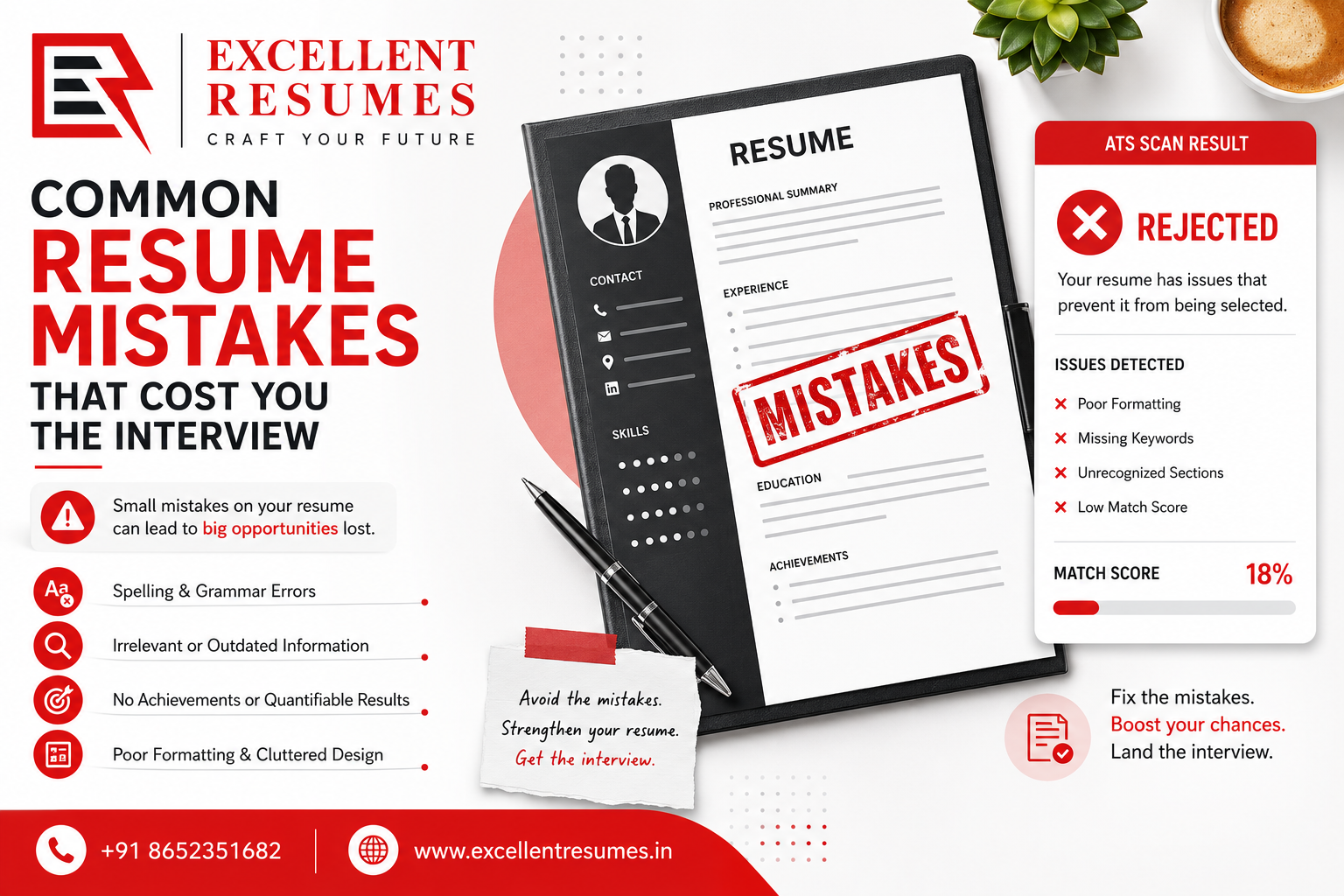
A skill-rating graphic with five filled-in dots next to “Excel” might look sharp in a PDF viewer. To an ATS, it’s often unreadable — no text to extract, so no score for that skill. Photos, icons next to your contact details, and decorative dividers can all cause parsing errors depending on the system. Indian resume formats sometimes include a photo by convention; for ATS-heavy applications, it’s safer to leave it out and add it back only if a specific employer asks for it.
- Save as the File Type the Job Portal Actually Wants
Most modern ATS platforms parse .docx cleanly. PDFs are usually fine too — but only if they’re built as real text, not a scanned or flattened image. If your PDF was exported from a design tool without proper text layers, the parser might see a blank page. When a job portal doesn’t specify, .docx is the safer default.
- Keep Dates and Job Titles in a Predictable Format
Consistent formatting for dates (Month Year – Month Year) and clear job titles next to company names help the parser correctly build your work history timeline. Irregular formatting — dates buried mid-sentence, job titles missing entirely — can cause the system to misread your career progression, which affects your ranking even if your actual experience is strong.
Common Mistakes People Make Fixing This
A lot of job seekers overcorrect once they learn about ATS. A few patterns worth avoiding:
Keyword stuffing. Repeating a skill ten times in white text or in a hidden section isn’t a workaround — several modern systems flag this pattern and score it negatively.
Assuming every company uses the same ATS. They don’t. Workday, Greenhouse, Taleo, and others all parse slightly differently. The safest move is building a resume that follows universal ATS-safe rules rather than trying to game one specific platform.
Over-simplifying to the point of losing impact. Stripping every bit of formatting can leave a resume so plain it fails to hold a recruiter’s attention once it does get through. ATS-safe doesn’t mean boring — it means clean structure with strong, specific content inside it.
Ignoring the human read entirely. A resume optimized only for the machine, with no thought to how a recruiter reads it in ten seconds, still won’t convert. Both readers matter.
How Excellent Resumes Approaches This
Every resume we write starts with an ATS-safe structure by default — single-column layout, standard section headings, and formatting that’s been tested against how major parsing systems actually read a document. From there, we go through the specific job description or industry you’re targeting and build the language around it, so the keyword match happens naturally instead of feeling stuffed in.
We’ve rewritten resumes for freshers applying to their first job, professionals switching industries mid-career, and people going for roles after a long gap — the ATS problem shows up differently for each, and a generic template rarely solves it for all of them.
Frequently Asked Questions
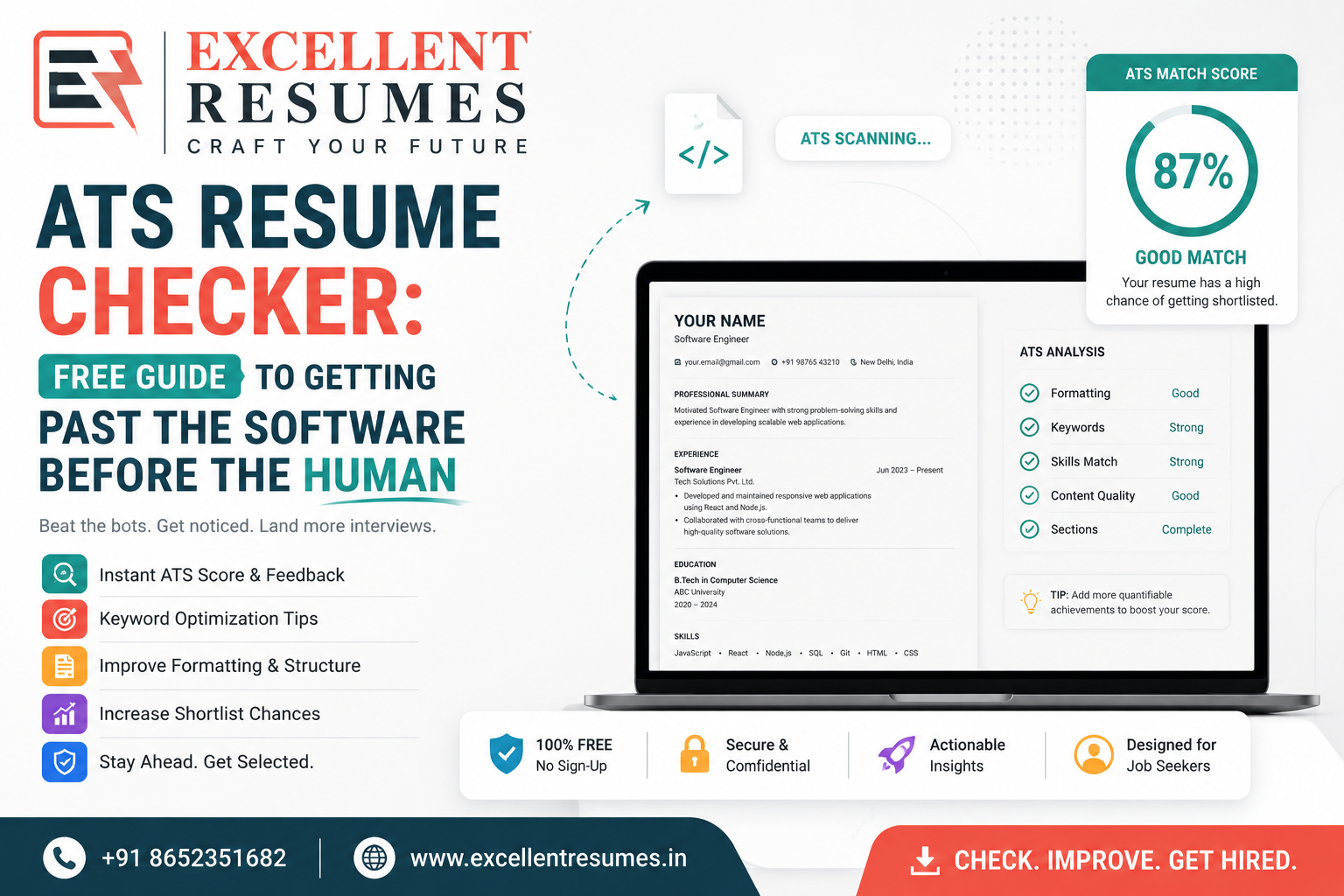
How do I know if my resume is ATS-friendly? Copy your resume text and paste it into a plain text editor. If the text comes out jumbled, missing sections, or out of order, an ATS will likely have the same problem reading it. Several free ATS-checker tools online can also give you a rough compatibility score.
Does using a resume template guarantee it’s ATS-friendly? No. Many popular-looking templates use columns, graphics, or text boxes that parse badly. “Professionally designed” and “ATS-friendly” are not the same thing — always check the underlying structure, not just how it looks.
Will a PDF resume always fail an ATS? Not always. A text-based PDF built directly from a word processor usually parses fine. Problems happen with PDFs exported from design software as flattened images, or scanned documents with no real text layer.
Should I add a skills section with keywords, or will that look like stuffing? A clearly labeled Skills section listing real, relevant keywords is standard and expected — that’s different from repeating a term unnaturally throughout the document. One clean skills section near the top is a good, ATS-safe practice.
Do small companies use ATS too, or is this only a big-company problem? It’s increasingly common at smaller companies too, especially those hiring through major job portals, since many portals have built-in parsing and ranking tools. It’s safer to assume some form of automated screening is involved unless you know otherwise.
Getting Past the Filter
An ATS rejection doesn’t mean you’re the wrong candidate — it usually means the system never read your resume the way you meant it to be read. Fixing the formatting and keyword alignment is often the difference between forty silent applications and a callback within a week.
If you want a second set of eyes on why your resume might be getting filtered out, Excellent Resumes can review your current resume and rebuild it with an ATS-safe structure that still reads well to a human recruiter. [Get your resume reviewed] and find out exactly what’s holding it back.