You could have the strongest resume in the applicant pool and still never hear back, not because a recruiter rejected you, but because a piece of software never let your resume reach them. That’s the reality of job hunting today. Most mid-size and large companies now run every application through an Applicant Tracking System, commonly known as ATS, before a human eye ever sees it.
This guide breaks down exactly what an ATS checker does, how to test your resume against one for free, and what changes actually move the needle when your resume keeps getting filtered out for no obvious reason.
What Is an ATS, and Why Does It Matter So Much in 2026
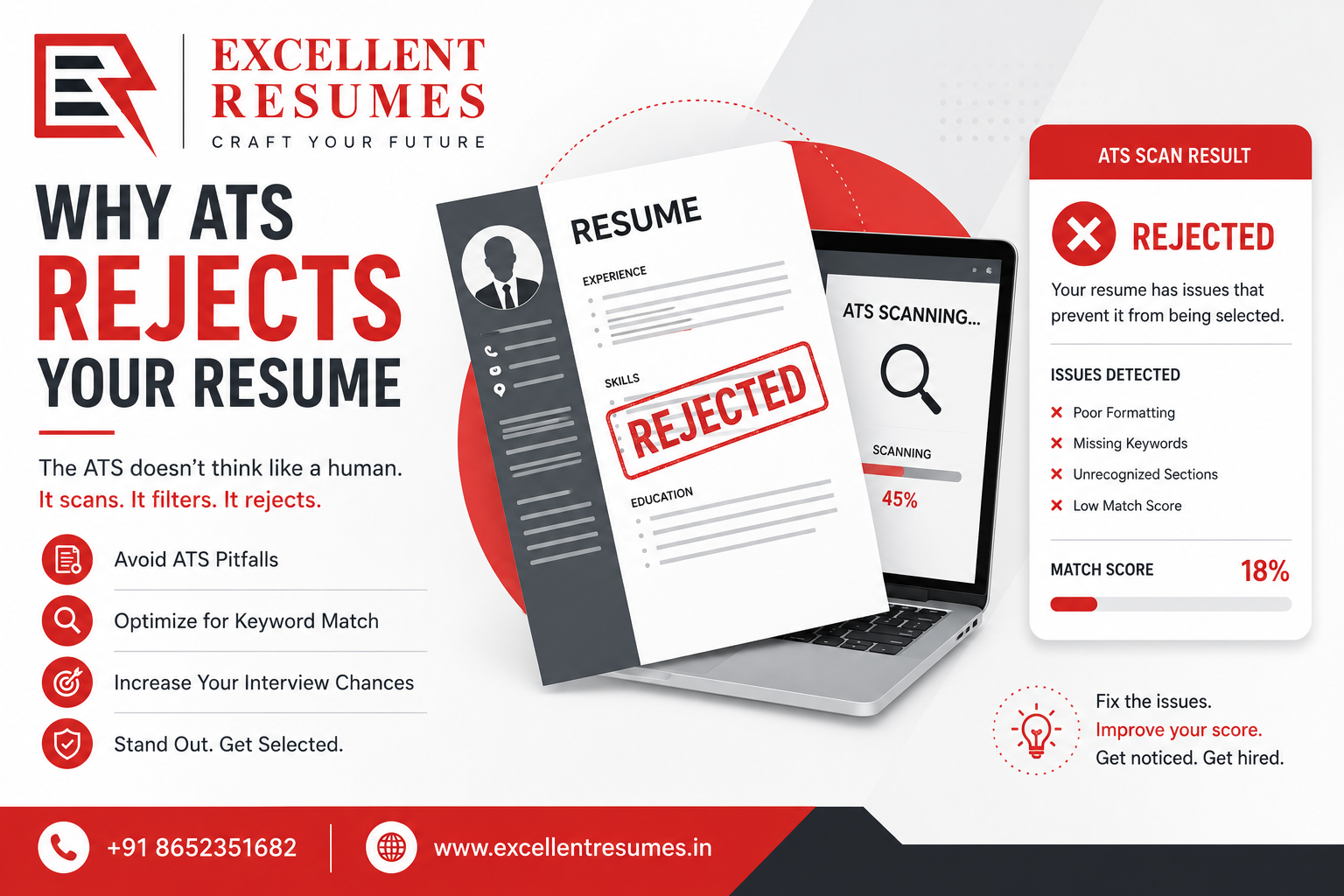
An Applicant Tracking System is software that companies use to collect, sort, and rank job applications. When you apply for a role online, your resume usually doesn’t land directly on a hiring manager’s desk. Instead, it goes into a database, gets scanned for relevant keywords, formatting, and structure, and then gets scored or ranked against other applicants.
Some companies use the ATS purely for organization, letting recruiters browse manually. Others rely on it heavily to auto-filter resumes, meaning if your resume doesn’t hit certain keyword thresholds or isn’t formatted in a way the software can read, it may never surface in a recruiter’s search at all.
This matters more in 2026 than it did a few years ago because more companies, including smaller startups, have adopted low-cost ATS tools as part of standard hiring workflows. Whether you’re applying to a large corporation or a 50-person startup, there’s a real chance software is reading your resume before anyone else does.
What an ATS Resume Checker Actually Does
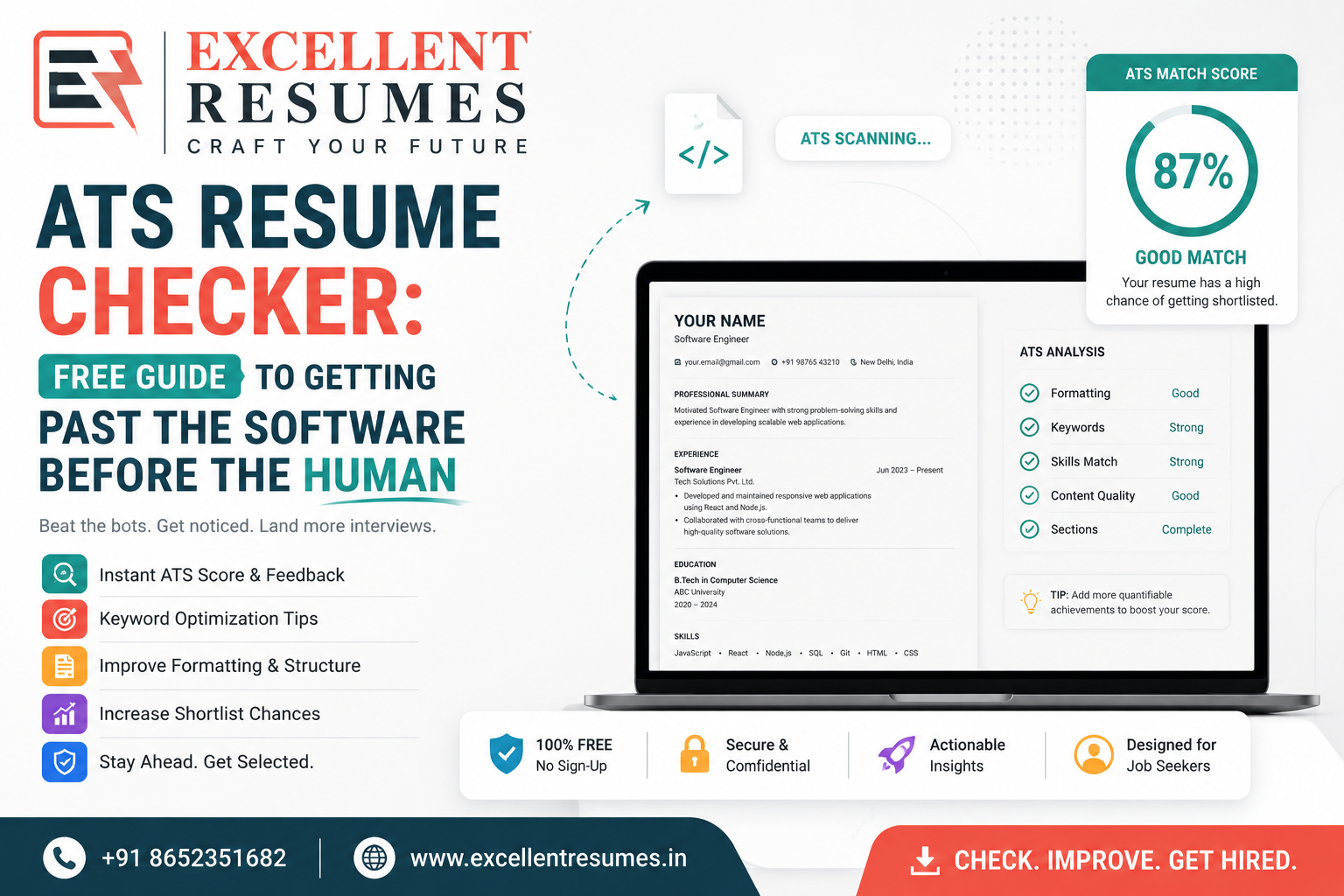
An ATS resume checker is a free or paid tool that simulates how an actual ATS would read your resume. You upload your resume, sometimes alongside a job description, and the tool gives you feedback on things like:
- Whether your resume format is parsing correctly (no scrambled text or missing sections)
- How well your listed skills and keywords match a specific job description
- Whether your headings and section titles are recognizable to standard ATS logic
- Formatting issues that could confuse the software, such as tables, columns, images, or unusual fonts
- An overall match score, usually as a percentage, against the job posting you’re targeting
These tools won’t guarantee you an interview, but they catch the kind of invisible errors that quietly tank an otherwise well-written resume, errors you’d likely never notice just by reading your own resume on screen.
How to Use a Free ATS Checker Step by Step
- Start with the job description you’re actually applying for. Most ATS checkers work by comparing your resume against a specific posting, so generic testing without a job description gives you limited insight.
- Upload your resume in the format you plan to submit. If you’re applying with a PDF, test the PDF. If the application system wants a Word file, test that instead, since formatting sometimes behaves differently across file types.
- Review the keyword match score. Most checkers will show you which important terms from the job description are missing from your resume. Add the ones that genuinely apply to your experience, don’t just stuff in random keywords for the sake of the score.
- Check the parsing preview. Many tools show you exactly what the ATS “sees” after reading your resume. If sections are jumbled, or your work history disappears entirely, that’s a sign your formatting needs to change.
- Fix and re-test. Treat this as an iterative process. Make the suggested changes, then run it through again to confirm your score has actually improved.
Formatting Mistakes That Break ATS Parsing
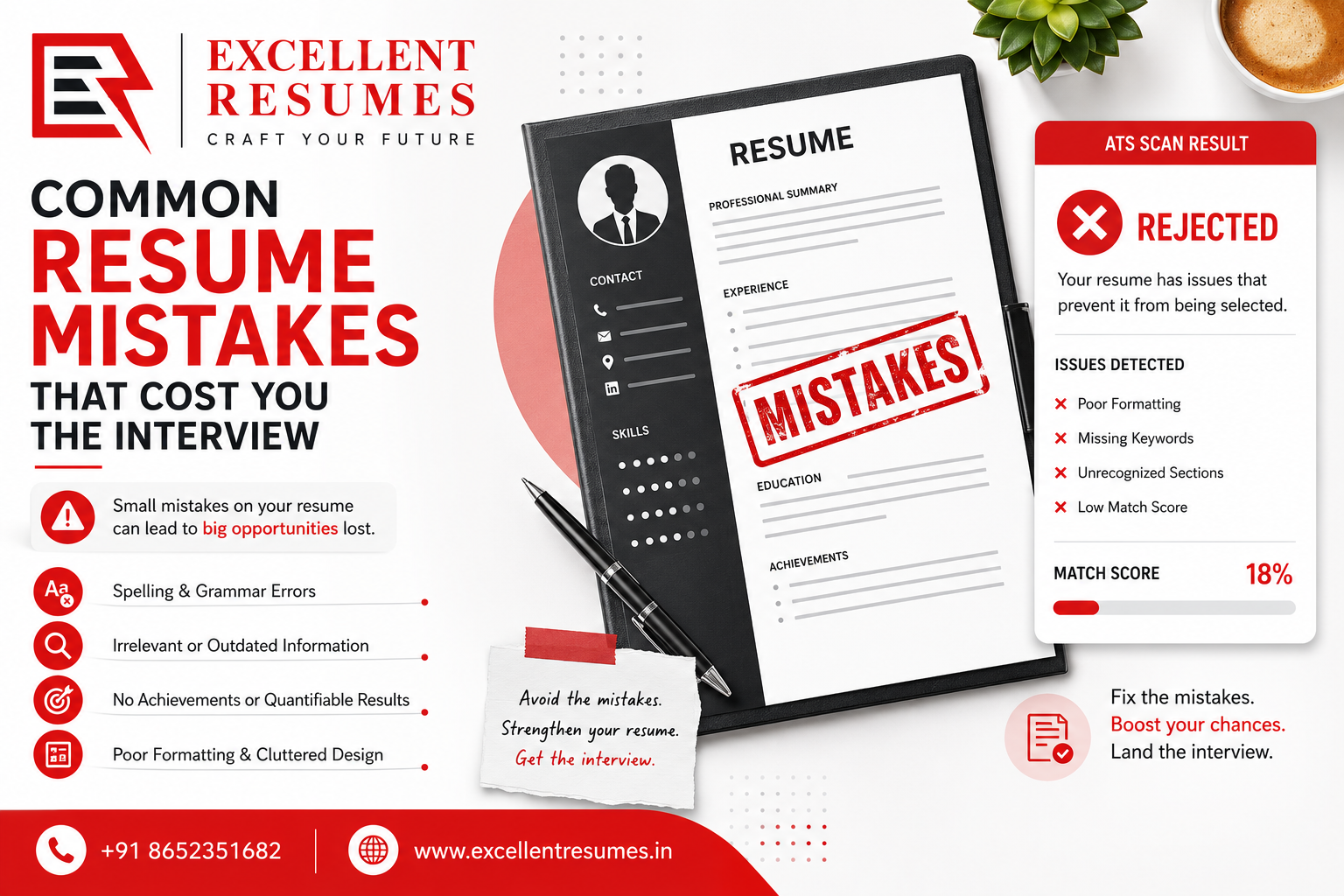
Even a well-written resume can fail an ATS scan purely because of formatting choices. The most common issues include:
- Multi-column layouts — many ATS systems read left to right in a single flow, so a two-column resume can scramble your information into the wrong order
- Tables and text boxes — content placed inside these elements is often skipped entirely by parsing software
- Headers and footers — some systems don’t read content placed here, which becomes a problem if your contact details are tucked into a header
- Unusual fonts or heavy graphics — decorative fonts, icons used as bullet points, or graphics embedded as images instead of text can all confuse a scan
- Non-standard section titles — calling your work history section “My Journey” instead of “Experience” might look creative, but it can prevent the ATS from correctly categorizing that section
If your target industry is corporate, government, or ATS-heavy in general, a clean text CV format is almost always the safer route, since it avoids most of these pitfalls by design.
When a Visual or Infographic Resume Still Makes Sense
Not every application goes through a strict ATS filter, and not every industry rewards a plain, text-only resume. If you’re applying for roles in design, marketing, media, or creative fields where a human is very likely to review your resume manually, a visual CV can actually work in your favor, since it demonstrates design sensibility alongside your qualifications.
Similarly, an infographic CV can be a smart choice for creative portfolios, personal branding, or direct submissions where you know a person, not software, will be the first to open your file. The key is knowing which type of application you’re dealing with before choosing your format, since the wrong choice in the wrong context can actively work against you.
Keyword Optimization Without Keyword Stuffing
Once you know an ATS is scanning for keywords, it’s tempting to cram your resume full of every term from the job posting. Resist that urge. ATS software has grown more sophisticated, and many systems can flag resumes that look artificially stuffed with repeated terms, which can hurt rather than help your score.
Instead, focus on natural, honest keyword alignment:
- Use the exact terminology from the job description where it genuinely reflects your skills (if they say “project management,” don’t substitute “handled projects”)
- Mention tools, software, and certifications by their specific names rather than vague descriptions
- Include both the acronym and full term where relevant, such as “Search Engine Optimization (SEO),” since different ATS systems may search for either version
- Spread relevant keywords naturally across your summary, skills, and experience sections rather than clustering them all in one place
What an ATS Score Can’t Tell You
It’s worth remembering that an ATS checker score is a useful signal, not a complete verdict on your resume’s quality. A resume can pass every ATS check and still fail to impress a human recruiter if it reads awkwardly, lacks measurable achievements, or doesn’t tell a coherent career story.
This is where the human side of resume writing still matters just as much as the technical side. A cover letter gives you space to explain context an ATS will never pick up on, like why you’re switching industries or what genuinely draws you to a specific company. And your LinkedIn profile often gets checked right alongside your resume once you clear the initial screening, so it’s worth keeping both equally polished and consistent.
A Quick Pre-Submission ATS Checklist
Before you submit any application, run through this short list:
- Resume saved in the file format the job posting actually requests
- No tables, columns, text boxes, or graphics hiding important content
- Standard section headings like “Experience,” “Education,” and “Skills”
- Contact information placed in the main body, not in a header or footer
- Keywords from the job description reflected naturally, not forced
- File name kept professional and simple, avoiding generic labels like “resume final v2”
- A final read-through for typos, since ATS software can’t catch a spelling error, but a recruiter certainly will
Frequently Asked Questions
Are free ATS checkers accurate? Most free checkers give a reasonably reliable read on formatting and keyword matching, though results can vary slightly between tools since not every company uses the exact same ATS software. Treat the score as a strong directional guide rather than an exact prediction.
Does every company use an ATS? No, smaller companies and certain industries still rely on manual review, especially for creative roles. That said, ATS adoption has grown significantly, so it’s safer to assume your resume might be scanned unless you know otherwise.
Will a visually designed resume always fail an ATS scan? Not necessarily, but heavily designed resumes carry more risk. If you’re applying somewhere you know a human will review your resume directly, a well-designed visual CV can work fine. For large-scale or corporate applications, a simpler format is generally safer.
How often should I re-check my resume against an ATS tool? Ideally, every time you’re applying for a meaningfully different role or industry, since the keywords and expectations can shift significantly between job types.
Can I use the same resume for every application if it passes an ATS check once? It’s better not to. Each job posting has its own keyword priorities, so tailoring your resume for each application, even with small adjustments, tends to perform better than reusing one static version everywhere.
Final Thoughts
An ATS resume checker won’t write your resume for you, but it will show you the blind spots you’d otherwise never catch, formatting quirks, missing keywords, and parsing errors that quietly cost you interviews. Run your resume through a checker before every serious application, fix what it flags, and pair that technical polish with a resume that still reads naturally and honestly to a human.
If you’d rather skip the trial and error, Excellent Resumes builds ATS-friendly resumes, cover letters, and LinkedIn profiles designed to clear the software stage and still make a strong impression once a real person opens the file.