If you’re a fresher staring at a blank page wondering how to turn zero work experience into a resume that actually gets shortlisted, you’re not alone. Every year, lakhs of students graduate with solid degrees and decent grades, but most of their resumes look exactly the same – a generic objective, a list of subjects, and a “skills” section copied from a YouTube template. In 2026, that’s simply not enough.
Recruiters today don’t read resumes the way they did five years ago. Most applications pass through an Applicant Tracking System (ATS) before a human even sees them, and on the human side, hiring managers are spending less time per resume than ever – often under 10 seconds for the first scan. So your resume has to do two jobs at once: pass the software filter, and grab attention fast.
This guide walks you through exactly how to build a fresher resume that does both, step by step.
Why Fresher Resumes Need a Different Approach in 2026
A fresher resume isn’t a shorter version of an experienced professional’s resume. It’s a different document with a different job to do. Since you don’t have years of work history to lean on, your resume needs to sell potential – your education, projects, internships, certifications, and skills – in a way that signals you can do the job from day one.
Three things have changed the game for 2026 specifically:
- AI-assisted screening is now standard, even at mid-sized companies, not just large corporates. Resumes with vague language and no measurable detail get filtered out before a recruiter ever opens them.
- Hiring managers are comparing freshers against a much larger applicant pool than before, thanks to remote and hybrid roles opening up across cities. Your resume is competing nationally, not just locally.
- Visual presentation now matters even for entry-level roles. A clean, well-structured resume signals attention to detail, something every employer claims to want but few freshers actually demonstrate.
Step 1: Pick the Right Resume Format for Your Field
Not every fresher should use the same resume style. A core engineering graduate applying to a manufacturing firm needs a different look than a marketing or design graduate applying to a startup.
Broadly, there are three formats worth knowing:
- Text-based resumes — clean, ATS-friendly, no graphics, ideal for corporate, government, banking, and most ATS-heavy applications. If you’re applying through job portals or large companies, a text CV is usually the safest bet because it parses correctly through screening software.
- Visual resumes — slightly more designed, with subtle use of color, icons, and section dividers, while still staying readable. These work well for roles in marketing, sales, customer-facing positions, and most private-sector jobs where a recruiter is reading it manually. A visual CV strikes a balance between standing out and staying professional.
- Infographic resumes — heavily designed, often one-page, with charts, icons, and visual skill bars. These suit creative fields like design, media, animation, and UX, where the resume itself doubles as a small portfolio piece. An infographic CV can genuinely set you apart, but only if the role rewards visual creativity.
If you’re unsure which one fits your target industry, it’s worth checking a few job postings in that field first and noticing the tone of the company’s own branding – formal and corporate usually means text format works best, while younger or design-led companies tend to respond well to visual formats.
Step 2: Structure It the Way Recruiters Actually Scan It
Recruiters scan a resume in a fairly predictable order: name and contact details, then summary, then education or skills, depending on the field, then experience or projects. Your structure should follow that natural reading pattern.
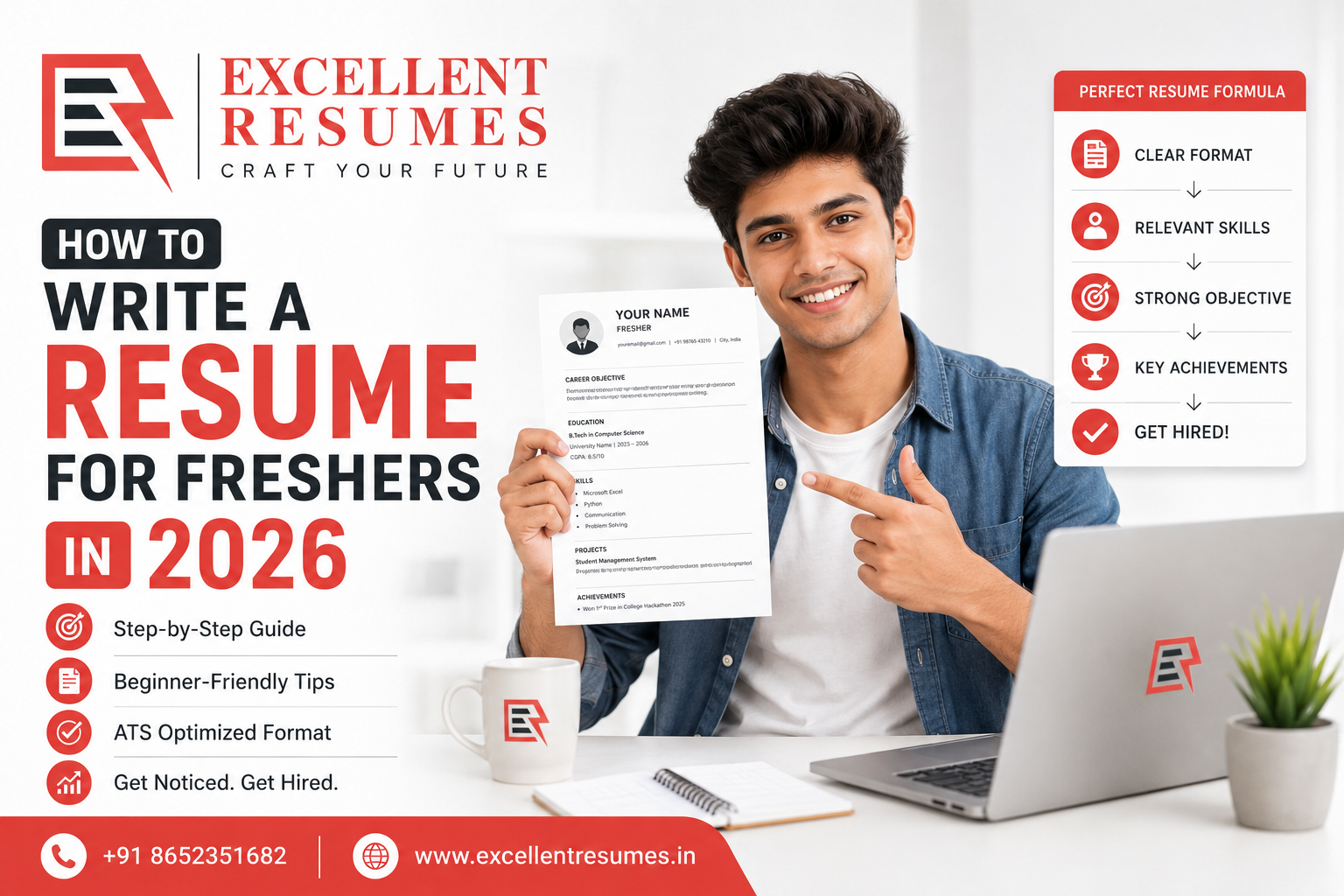
Here’s the order that works best for most freshers in 2026:
1. Header
Full name, phone number, professional email address, city, and links to LinkedIn or a portfolio if relevant. Skip the photo unless your industry specifically expects one.
2. Resume Summary (Not an Objective)
Old-school resumes used an “objective” statement like “Seeking a challenging role to utilize my skills.” Skip this entirely – it tells the recruiter nothing about you and wastes prime real estate at the top of the page.
Instead, write a 2-3 line summary that mentions your degree, your strongest skill area, and one concrete achievement or project. For example:
“B.Tech graduate in Computer Science with hands-on experience building 3 full-stack web applications during academic projects. Skilled in React, Node.js, and MySQL, with a strong focus on writing clean, maintainable code.”
This format works because it’s specific, not generic – it reads like it was written for this particular fresher, not copy-pasted from a template.
3. Skills Section
Split this into technical skills and soft skills, and be specific. Instead of writing “good communication skills,” consider whether you can demonstrate it through a project or activity later in the resume. List tools, languages, and software by name (Excel, Python, Tally, Canva, SQL, Figma, whatever applies), since these are exactly the keywords ATS systems scan for.
4. Education
List your most recent degree first, including the institution name, your CGPA or percentage if it’s strong, and graduation year. If your academic performance is average but you’ve done well in specific subjects or won an academic award, mention it here.
5. Projects and Internships
This is the section that does the heaviest lifting for a fresher resume. If you’ve done a final-year project, a college hackathon, a personal coding project, or any internship – even an unpaid one – this is where you prove you can apply your knowledge in practice. For each one, briefly mention what you built or did, the tools or process involved, and the outcome or result, even if the result is just “completed within the deadline” or “presented to a panel of 5 judges.”
6. Certifications and Extra-Curricular Activities
Online certifications (Coursera, Google, NPTER, HubSpot, etc.) can carry real weight for freshers, especially if they’re relevant to the job role. Leadership roles in college clubs, sports achievements, or volunteer work also belong here if you have space left.
Step 3: Quantify Everything You Can, Even Without Job Experience
This is where most fresher resumes fall flat. “Worked on a project” tells a recruiter almost nothing. “Built a inventory management system used by 3 college departments, reducing manual stock entry time by an estimated 40%” tells them a lot more, even though both freshers may have done similar work.
You don’t need a salary figure or a sales number to quantify your work. Numbers can come from:
- Team size you worked with
- Number of features or modules you built
- Time taken to complete something
- Number of users, classmates, or people affected
- Percentage improvement, even if it’s an estimate clearly labeled as such
Recruiters trust specifics far more than adjectives like “hardworking” or “passionate,” because almost every resume claims those same traits.
Step 4: Optimize for ATS Without Sounding Robotic
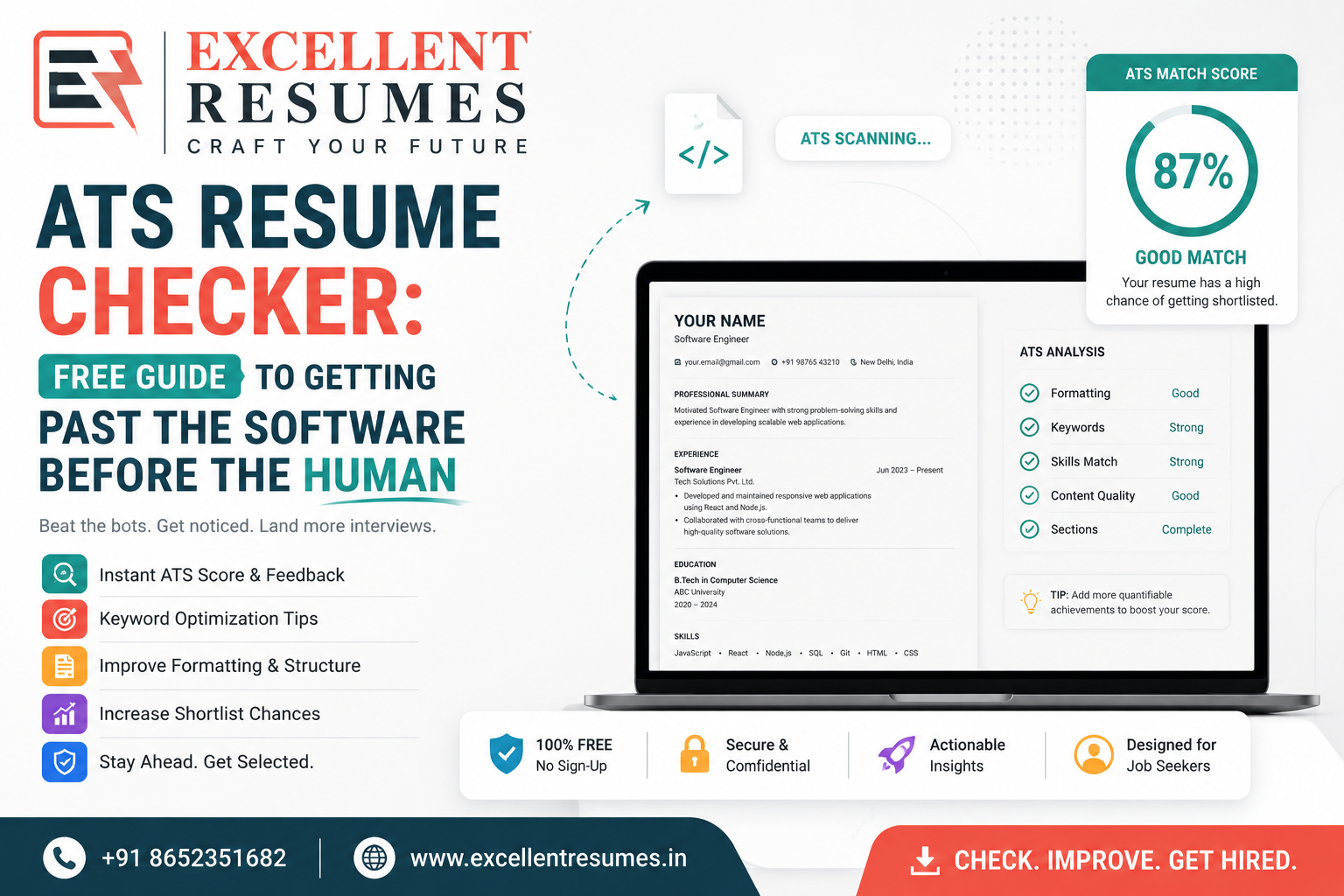
ATS software scans your resume for keywords that match the job description, then ranks or filters applications accordingly. To pass this stage:
- Use a clean, single-column layout for ATS-heavy applications (this is where a text CV really helps)
- Mirror the exact wording from the job posting where it genuinely applies to you (if the listing says “proficient in MS Excel,” don’t just write “spreadsheet skills”)
- Avoid putting important information inside text boxes, headers, or footers, since many ATS tools fail to read those sections correctly
- Save your file as a PDF unless the application specifically asks for a Word document
- Keep your file name professional, something like “Yourname_Resume.pdf” rather than “resume_final2.pdf”
That said, don’t over-optimize to the point where your resume reads like a keyword list. A human will eventually read it too, and a resume stuffed with repeated phrases looks just as suspicious to a recruiter as it does natural to a bot.
Step 5: Tailor Your Resume for Every Application
Sending the same resume to every job listing is one of the biggest reasons freshers don’t hear back. It doesn’t mean rewriting the whole thing each time, but it does mean adjusting your summary, reordering your skills, and highlighting the most relevant project or internship for each specific role.
If you’re applying for a digital marketing internship and a data analyst role in the same week, your resume shouldn’t look identical for both. Lead with whichever experience is most relevant to that particular posting.
Step 6: Don’t Forget the Cover Letter and Your LinkedIn Profile
A strong resume gets you noticed, but two other pieces often decide whether you actually get the call.
A well-written cover letter gives you room to explain things a resume can’t – why you’re interested in this specific company, how a particular project connects to the role, or how you’d make up for limited experience with fast learning and genuine interest. Most freshers skip it entirely, which means even a short, well-written one can set you apart.
Your LinkedIn profile matters just as much these days, since most recruiters check it before or after seeing your resume. If your LinkedIn headline still says “Student at XYZ College” while your resume claims you’re “experienced in full-stack development,” that mismatch raises questions. Keep both consistent and equally polished.
Common Mistakes Freshers Should Avoid
- Using a generic objective statement instead of a tailored summary
- Listing every subject from your syllabus instead of relevant skills and projects
- Writing in passive, vague language (“was involved in,” “helped with”) instead of active verbs (“built,” “led,” “designed”)
- Going beyond one page — for a fresher, one page is almost always enough
- Ignoring formatting consistency — mismatched fonts, inconsistent spacing, and uneven bullet styles signal carelessness
- Forgetting to proofread — a single typo on a one-page resume stands out far more than it would on a longer document
Frequently Asked Questions
Should a fresher resume be one page or two? One page is almost always the right length for a fresher. Unless you have an unusually long list of internships, publications, or certifications, a single well-organized page reads as confident and focused, not lacking.
What if I have absolutely no internship experience? Lean on academic projects, coursework, college fests, volunteer work, or even personal projects you’ve built independently. What matters is showing initiative and applied skill, not the job title attached to it.
Is it okay to use a resume template? Yes, but choose one that matches your industry and avoid overly decorative designs for corporate or ATS-heavy applications. A text CV format is generally the safest starting point if you’re unsure.
Do freshers need a LinkedIn profile if they already have a resume? Yes. Recruiters routinely cross-check both, and an outdated or thin LinkedIn profile can undercut an otherwise strong resume.
How often should I update my fresher resume? Every time you complete a new certification, project, or internship, and ideally before every new round of applications, so your most relevant experience is always front and center.
Final Thoughts
Writing a resume as a fresher in 2026 is less about cramming in everything you’ve ever done, and more about presenting the right things, clearly, with real detail behind them. Pick a format that suits your field, structure it the way recruiters actually read, quantify your work wherever possible, and tailor it for each application instead of sending the same document everywhere.
If you’d rather have a professional handle the structuring and writing while you focus on applying, Excellent Resumes builds resumes, cover letters, and LinkedIn profiles specifically for freshers entering the job market, with formats ranging from clean text CVs to fully designed infographic resumes.